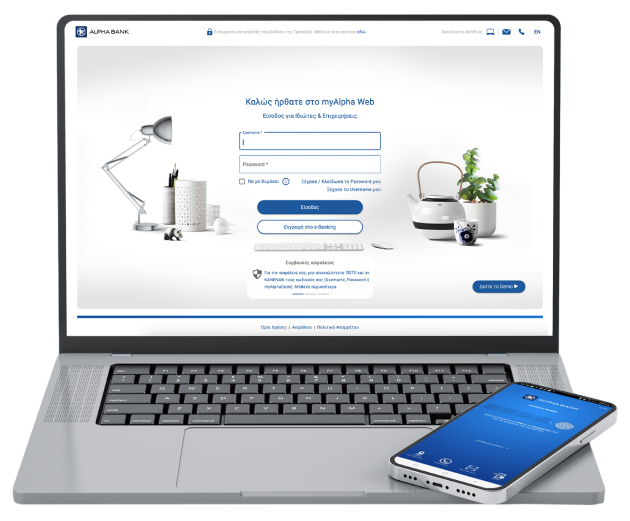
Cards, accounts, loans, donations
You can pay:
- Card bills issued by Alpha Bank and other banks
- Loan instalments at Alpha Bank
- Bills issued by companies and organisations



Cards, accounts, loans, donations
You can pay:


Pay bills to over 1,000 entities, such as public organisations or private businesses.
Registered tax debts, stamp duties, vehicle registration fees, EFKA, EYDAP, EUATH, municipalities, chambers, etc.
Vodafone, Cosmote, Wind, Nova, etc.
Ethniki Insurance, NN Hellas, Generali, Ergo, Interamerican, European Reliance, etc.
Patient associations, NGOs, foundations, etc.
Trading companies, gyms, transportation companies, educational organisations, tyre companies, associations, security companies, etc.
View all the companies and organisations you can make payments to through your e-Banking.
The money is transferred instantly. This method is available for card payments, Α700 or Alpha Epilogi loan payments, as well as payments to a number of companies and organisations.
The money is transferred on the date you have chosen. The earliest possible date that a transfer can be carried out is the same business day:
Make sure you have sufficient balance in your account on the payment date. If the payment does not go through, we send you a free email or text message to notify you, through Alpha alerts.


Make payments by charging any of your accounts in euro that are linked to your e-Banking.
To make payments to companies and organisations, you may also use your credit cards. At the same time, you collect points from the Bonus loyalty programme.
Make payments to companies and organisations by charging your prepaid card.
You pay no fees for payments to your Alpha Bank credit cards and loans.
For all payments, the fees are equal to or significantly lower than those at branches and they range:
View the list of payment fees for every company and organisation.


From your computer or mobile
If you hold an active Alpha Bank debit or credit card, you can get credentials on the spot, without visiting a branch.
Online, without visiting a branch
Open your first account with Alpha Bank and get digital banking credentials online.


Find answers to all your questions about the online payments.
Choose: History > e-Banking Transactions > Payments.
If the payment appears there, then it has been completed.
If it does not appear, then it has not been completed and you must try again.
Yes, as long as it has not been processed yet.
Log into myAlpha Web, find the menu on the left:
History > e-Banking Transactions > Payments.
Find the payment you want cancelled, click on the 3 dots on the right and click on “Cancel”.