










 BACK
BACK
Xiaomi Pay digital wallet
Payments faster than ever

Can I add my card?
Add the card provided you...
- Hold any Alpha Bank debit, credit or prepaid Mastercard card.
- Have downloaded the Mi Fitness app on your mobile and have activated your Mi account.
- Have paired your smartwatch to your mobile through the Mi Fitness app (pairing).


Have at hand...
- Your Mastercard card
- Your Xiaomi mobile
- The Xiaomi Mi Smart Band 6 NFC, Xiaomi Watch S1 or Xiaomi Watch S1 Active
Add your card to Xiaomi Wallet and pay
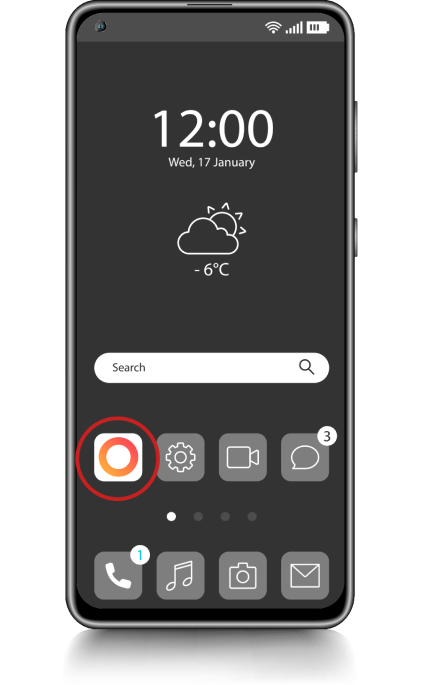


1. Fill in your card details
Open the Mi Fitness app and choose Devices > App classification > Xiaomi Pay.
Fill in the details of any Alpha Bank credit, debit or prepaid Mastercard:
- Card number
- Holder’s name
- Expiry date
- CVC2
2. Accept the terms
Read and accept:
- The terms of use for Xiaomi Pay
- The Privacy Policy
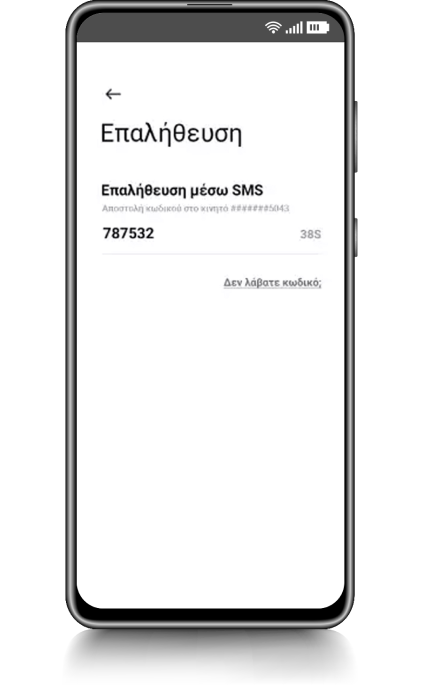
3. Confirm with code
Confirm your details using the 6-digit code you receive on your mobile by text message.
Your card is added to Xiaomi Wallet and you can now shop faster than ever.
4. Pay with Xiaomi Pay
- Tap on the smartwatch screen to activate it.
- Swipe left to see the cards. If you have added more than 1 cards, scroll up or down to choose the card you want.
- Fill in your password if requested.
- Pass your smartwatch over the POS device to pay.
No Alpha Bank Mastercard?
Mastercard credit cards
Apply for an Alpha Bank Mastercard credit card today from your mobile through myAlpha Mobile or your computer through myAlpha Web:
- Alpha Bank Bonus Mastercard – With 3,000 Bonus points as a gift and €0 annual fee for the 1st year
- Affinity Mastercard – With 30 Affinity euros the 1st time you shop and benefits at popular shops


Mastercard debit cards
Get a debit card online from your mobile through myAlpha Mobile or your computer through myAlpha Web and shop by directly charging your account:
- Alpha Bank Enter Bonus Mastercard – With 3,000 Bonus points as a gift
- Alpha Bank Enter Mastercard – With no annual fee
Mastercard prepaid card
Shop securely in Greece, abroad and on the internet and get complete control over your expenses with the Alpha Bank Prepaid Mastercard.
Log into myAlpha Mobile or myAlpha Web today to get it online.

No personal digital banking?
Get credentials
From your computer or mobile
If you hold an active Alpha Bank debit or credit card, you can get credentials on the spot, without visiting a branch.
Start banking with us
Online, without visiting a branch
Open your first account with Alpha Bank and get digital banking credentials online.
Any questions?
Find the answers you need for Xiaomi Wallet digital wallet.
I have not yet received my actual card. Can I still add it to Xiaomi Wallet?
I have Xiaomi mobile. Can I make contactless payments from my mobile with Xiaomi Pay?
I’ve lost the card I added to Xiaomi Wallet. What should I do?
After you have received and activated your new card, you will have to add the card to Xiaomi Pay again.