In your business account

Just 1 visit
Visit the branch of your choice on the same day or whenever it is convenient for you.
Lower fees
No need to pay a separate fee for each deposit into your account.
Maximum flexibility
Fill in the file with the cash deposits through your computer at any time.

What you need to know

Find detailed information about multiple cash deposits online.

How they work

Through your business digital banking

Log into your business web banking and send us one file with the necessary details for the deposits you want to make into your account.

The file includes the: 

  • Amounts
  • Reasons
  • Deposit origin details

Then you come to the branch just to bring the cash.

Up to €15,000 / cash deposit

You can deposit up to €15,000 each time. The file must contain up to 100 entries.

How you benefit

Save money

Cut down on expenses, as you don’t have to pay a bank fee for each deposit separately.

Gain flexibility

Fill in the file with the deposits through your computer at any time, wherever you are. In addition, keep track of every transaction through business web banking and know exactly at which stage each one is.

Save time

Visit the branch of your choice on the same day or whenever it is convenient for you.

What you need to make multiple cash deposits online

Find out the conditions to make multiple cash deposits online.

Make deposits online provided you…

  • Hold a business account with Alpha Bank.
  • Have active digital banking credentials.

How to make multiple cash deposits online

Follow the steps to make multiple cash deposits online.

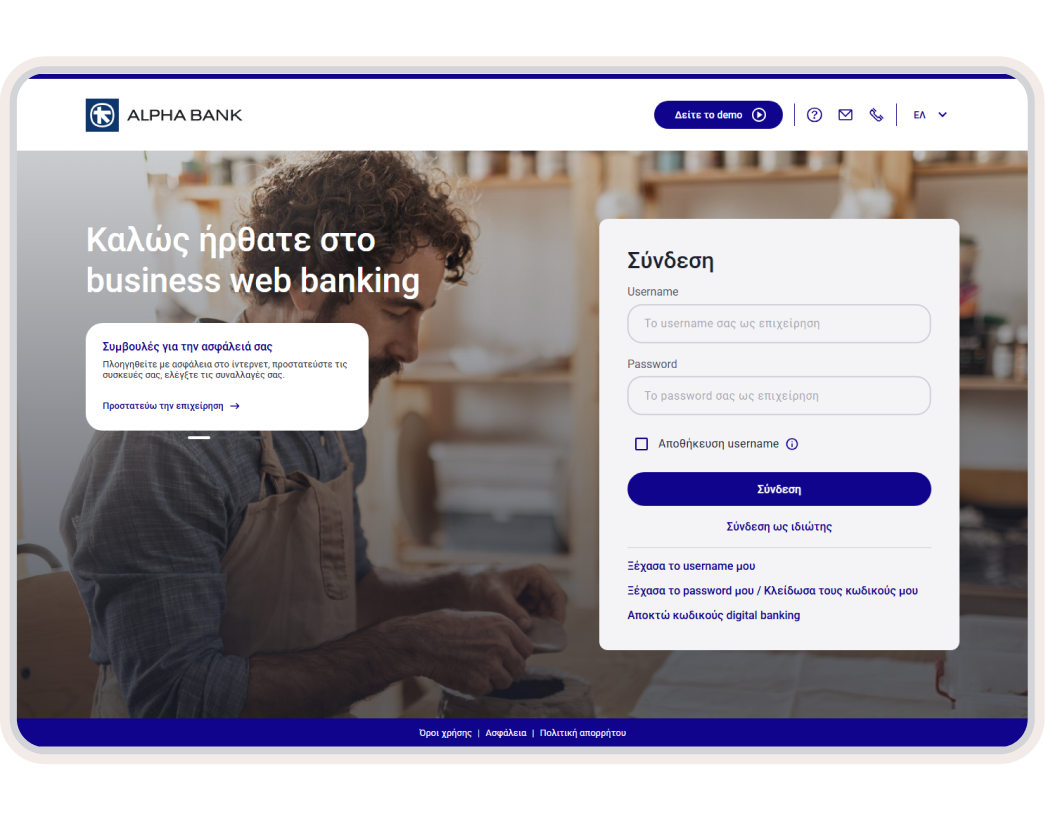
1. Log into business web banking

Use your business digital banking credentials to log into business web banking.

2. Choose multiple deposits

On the home screen (Overview), from the top menu, choose Jobs > New job > Multiple deposits.

3. Fill in the fields and download the file

Fill in the fields:

  • Job number, to give a name to the job.
  • Deposit account, to choose the account.
  • Deposit date, to choose when to make the deposit at the branch.
  • Branch chosen, to choose the branch you’ll be visiting.

Then, click on the link to download the file you need to fill in.

4. Fill in the file and attach it

Fill in the amounts, reasons and origin details for the deposits in the file you download.

Once you’ve filled in the file:

  • Attach it in the “Attach file” field.
  • Choose “Create job” so we can carry out the automated check.

Once the process is approved, you get a “Successful entry” notification.

5. Make a deposit at the branch

Visit the branch you chose and deposit the entire amount.

For a same-day deposit, you must:

  • Enter the details by 12:00.
  • Receive approval by 13:00.

Otherwise, you’ll have to start over.

New to Alpha Bank?

Find out how to start banking with us based on the legal form of your business.

For freelancers

Open a business account and get business digital banking credentials, provided you already have personal ones.

For registered companies with 1 representative

Open a business account and get business digital banking credentials, provided you already have personal ones.

For businesses with 2+ legal representatives

Schedule an appointment at a branch to start banking with us and sign up to business digital banking.

Any questions?

Find the answers you need about multiple cash deposits online.

Why do I have to make separate deposits and fill in the origin details?

You are obligated to do so for tax purposes if your business receives more than €500 in cash from clients.

What happens if I don’t make it to the branch for the deposit on the day I chose?

The job will be cancelled.

In this case, you’ll need to repeat the process from the start.

What details do I enter in the field “Deposit origin details”?

If the client is an individual, you fill in:

  • First name
  • Last name
  • Father’s name
  • ID or passport number, or tax number

If the client is a business, you fill in:

  • Business name
  • Tax number

Make multiple deposits from your computer

Deposit cash into your business account through your business digital banking with just 1 visit to a branch.