





 BACK
BACK
Online money transfers for businesses
On the go, 24/7

What you need to know
To Greece and 200+ countries
Transfer money to accounts at:
- Alpha Bank, held by you or anyone else.
- Other banks in Greece, provided they are in the DIAS interbanking system.
- EU banks, with your associates being able to receive the money on the same day.
- Other foreign banks at more than 200 countries all over the world.
See the list of countries where you can transfer money.
In euro and foreign currencies
Transfer money in euro and foreign currencies or with online currency conversion.


Right away
The money is transferred instantly to an Alpha Bank account held by you or a third party, either in euro or in foreign currency.
For transfers to an account at another bank in Greece or in countries within SEPA, the money is transferred instantly if:
- The transfer amount is up to €50,000.
- You are charged with immediate transfer fees.
In 1-3 business days
If you choose normal priority and carry out the transfer by 22:00, the money will be transferred in at least:
- 1 business day, to accounts held at another bank in Greece in euro
- 2 business days, to accounts held at another bank abroad in euro
- 3 business days, to accounts held at another bank abroad in foreign currency
On a future date
You may choose to execute the transaction on a future date, but only for transfers in euro.
Urgent priority
If you choose urgent priority, the money is transferred to the account of the other bank on the same day, provided you carry out the transfer on a business day. Valid for EUR, USD, GBP, CAD, CHF, SAR, SEK, DKK, NOK, ALL.


Strong authentication for secure transactions
Certain transactions require strong customer authentication with a 6-digit code you receive through Viber or text message.
Secure transfer approval
For secure transfer approval, you can set up user categories through business digital banking. Each category has specific rights and duties.


To an Alpha Bank account free of charge
You don’t get charged any fees to transfer any amount to Alpha Bank accounts, held by you or anyone else.
To another bank in Greece or abroad
You may choose who pays the fees:
- Fees are shared (SHA) – You only pay the fees for Alpha Bank.
- Fees are borne by the sender (ΟUR) – You pay the fees for Alpha Bank and the other bank.
If you are transferring money to a bank abroad in foreign currency, the recipient may not receive the full transfer amount because of the fees charged by other intermediary banks. For transfers to countries outside SEPA or with urgent priority you pay additional charges.


What additional benefits you get


What you need to transfer money online
Transfer money online provided you have...
- Active digital banking credentials.
- Activated strong customer authentication to receive 6-digit verification codes on your mobile.


Have at hand...
- The IBAN to which you want to transfer money.
- The account holder's name as appearing in the account details.
- The BIC/SWIFT of the recipient bank, if it’s a bank abroad.
What you need to know
To Alpha Bank accounts held by you or anyone else
- Using the digital banking credentials of your business, log into business web banking.
- On the home screen (Overview), from the top menu, choose Transfers > Alpha Bank.
- Choose the account from which the money will be transferred (From).
- On the “Recorded at your profile” option, choose “Yes” if you want to transfer money to an account you’ve saved in your profile and select the account you want from the list.
If you choose “No”, fill in the IBAN of the account you want to transfer the money to and confirm your choice with the 6-digit code you receive on your mobile. - Enter the amount and choose how the transfer will be carried out: “Immediate” if you want the transfer to be carried out right away or “At a selected date” if you want the transfer to be carried out at a future date.
If you choose “At a selected date”, you must also choose whether you want the “Amount to be blocked” or not. - Fill in the fields: “Details for depositor”, “Details for beneficiary”, “Remittance info”.
- Click on “Submit”.
- Confirm the transaction with the 6-digit code you receive on your mobile.
To another bank in Greece
- Using the digital banking credentials of your business, log into business web banking.
- On the home screen (Overview), from the top menu, choose Transfers > Within Greece.
- Choose the account from which the money will be transferred (From).
- On the “Recorded at your profile” option, choose “Yes” if you want to transfer money to an account you’ve saved in your profile and select the account you want from the list. If you choose “No”, fill in the IBAN of the account you want to transfer money to. Also choose the bank you want to transfer the money to and confirm your choice with the 6-digit code you receive on your mobile.
- Enter the amount and choose how the transfer will be carried out: “Immediate” if you want the transfer to be carried out right away, “At a selected date” if you want the transfer to be carried out at a future date or “Urgent” if you want the money to be transferred to the recipient’s account on the same day.
- Choose the fee type: SHA (you only pay the fees for Alpha Bank), OUR (you pay all the transfer fees).
- Fill in the fields: “Beneficiary's name”, “Details for beneficiary”, “Details for payer”.
- Click on “Submit” and confirm the transaction with the 6-digit code you receive on your mobile.
To a bank abroad
- Using the digital banking credentials of your business, log into business web banking.
- On the home screen (Overview), from the top menu, choose Transfers > Abroad.
- Choose the account from which the money will be transferred (From).
- On the “Recorded at your profile” option, choose “Yes” if you want to transfer money to an account you’ve saved in your profile and select the account you want from the list.
If you choose “No”, fill in the IBAN of the account you want to transfer money to. Also choose the bank you want to transfer the money to and confirm your choice with the 6-digit code you receive on your mobile. - Fill in the fields: “Country of beneficiary’s bank”, “Beneficiary's bank code (BIC CODE)”, “Beneficiary's full name”, “Beneficiary’s address”, “Order amount”, “Currency”.
- Enter the amount and choose how the transfer will be carried out: “Immediate” if you want the transfer to be carried out right away, “Urgent” if you want the money to be transferred to the recipient’s account on the same day or “At a selected date” if you want the transfer carried out at a future date.
- Choose the transaction reason e.g. investment, loan, etc.
- Fill in the fields: “Details for sender”, “Details for beneficiary”, “Sender’s telephone number”. Click on “Submit”.
- Confirm the transaction with the 6-digit code you receive on your mobile.
New to Alpha Bank?


For freelancers
For registered companies with 1 representative
For businesses with 2+ legal representatives
No digital banking?
Get business credentials
For freelancers or companies with 1 representative
Get business credentials, provided you already have personal ones or hold an active Alpha Bank card.
Get personal credentials
If you haven’t already signed up
Get personal digital banking credentials in a flash through your mobile or computer.
Any questions?
Find the answers you need about transferring money online.
Is there a daily transfer limit through business digital banking?
You can set your own daily limit for all transfers to accounts other than those for which you have the right to credit.
You can set the limit up to:
- €50,000 or the equivalent in foreign currency without currency conversion
- USD 15,000 with currency conversion
To set up a daily transfer limit over €50,000 you need to apply:
- At a branch near you, if you own a small or medium-sized business.
- Through business web banking, in the “Documents” section, if you own a large business.
How do I change the daily transaction limit up to €50,000?
- Log into business web banking with the digital banking credentials of your business.
- On the home page (Overview) from the top right menu choose Profile > Security management > Transfer limits.
- Click on the pencil icon next to the “Daily transfer limit”.
- Fill in the new daily transfer limit that you want and choose “Change limit”.
- Confirm with the 6-digit code you receive on your mobile.
What are recurring transfers and how do I make them?
They are regular transfers of fixed amounts you can save so they are carried out automatically.
To set up a new recurring transfer:
- Log into business web banking with the digital banking credentials of your business.
- On the home screen (Overview), from the top menu, choose Transfers > Recurring.
- Choose “Add new recurring transfer” on the right.
- Enter the transfer details and choose “Continue”.
Transfer money online
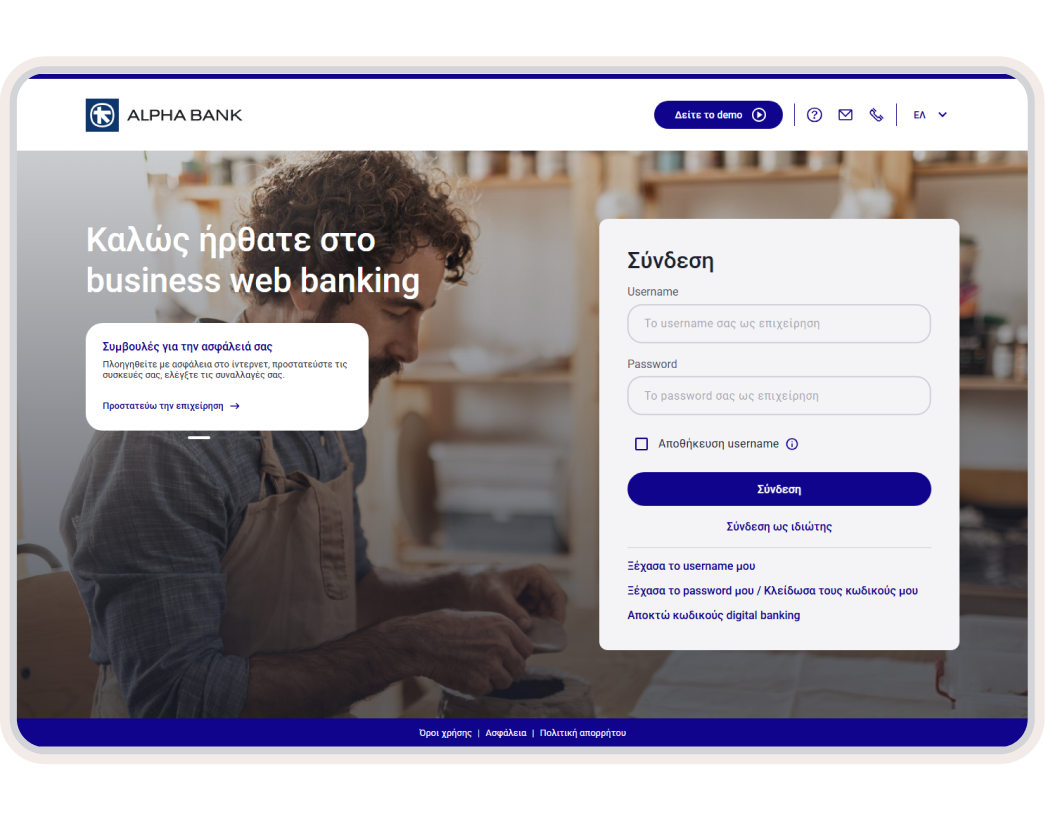
Log into business web banking and transfer money from your computer.