







 BACK
BACK
Opening a business account online
Start banking with us

What options you unlock


What you need to start banking online
Open an account if the business...
- Has just 1 legal representative who already banks with Alpha Bank as an individual and has digital banking credentials.
- Is of the legal form SA, OE, PC, LTD or EE.
- Is registered and taxed in Greece.


Have at hand...
Your personal digital banking credentials. If you don’t, find out how you get them.
The supporting documents to start banking with us, if you:
- Are a freelancer / own a sole proprietorship.
- Own an SA, OE, PC, LTD or EE.
- Want to update your personal details.
How to start banking online, for businesses with 1 legal rep


1. Choose the legal form of your company
Go to the Digital Business Onboarding page and choose: Start now > Continue.
Choose the legal form of your company, i.e. Société Anonyme (AE), General Partnership (OE), Private Company (IKE), Limited Partnership (EE) or Limited Liability Company (EPE).
Once you’ve been informed about the supporting documents we’ll need to certify your company details and confirm its legal documents, choose “Continue”.
2. Fill in the details and upload the documents
Fill in the tax number of the company and choose “Continue”.
Enter:
- Your personal details, if you own the company.
- The details of the company.
- The details of any legal representatives.
Upload the required documents depending on the legal form of the company.
3. Complete the process through digital banking
We finish processing your application and in 3 working days we send an email to the legal representative of the company notifying you that we have issued a business representation certificate.
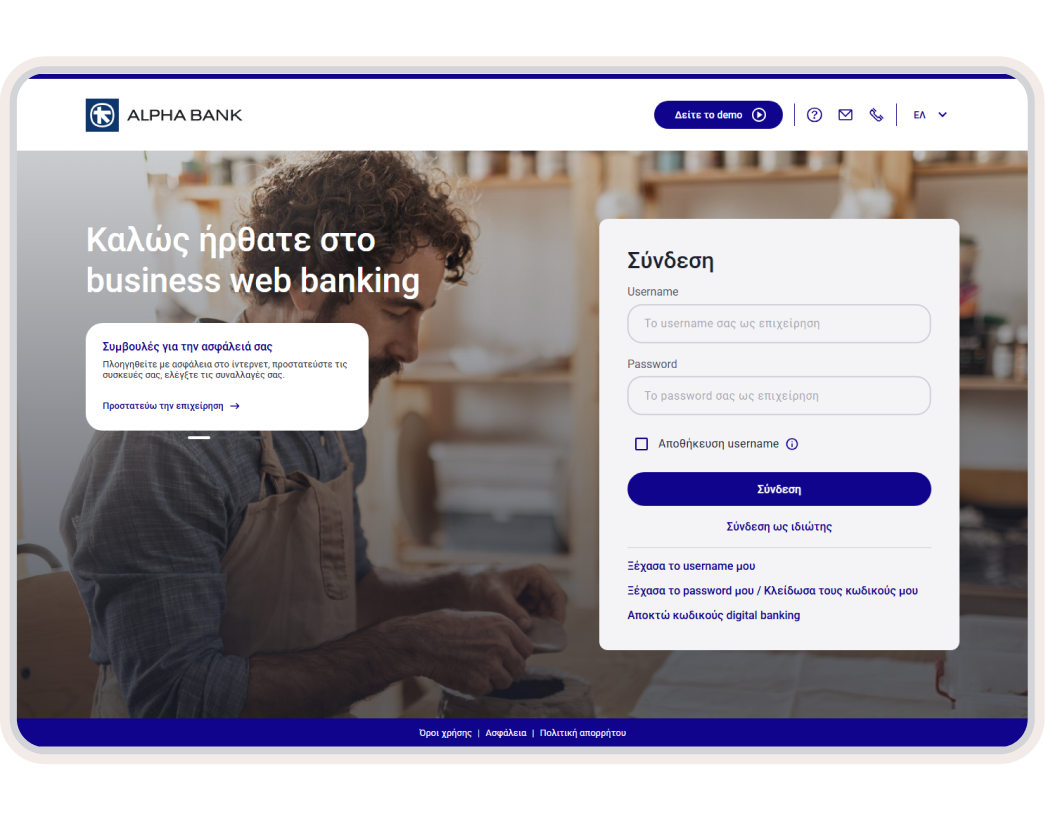
Then, the legal representative logs into the business web banking and follows the steps to get your company digital banking credentials online, even on the same day.
Does your business have 2+ legal representatives?
Are you a freelancer?

Any questions?
Find the answers you need about opening a business account.
Can I pause the business account opening process and continue where I left off?
I am the only legal representative and I’ve not received an email to complete the process online. Why is that?
We send an email to the personal email address you’ve registered as an individual.
If you haven’t received the email, it may be that some of the conditions are not met. In this case, book an appointment to visit a branch near you.
I have a newly-founded company and have not filed a tax return yet. Can I open a business account online?
Yes. However, you’ll need to upload:
- Periodic VAT returns for the current year.
- Business commencement certificate.
Once you file your first tax return, you’ll need to bring it to a branch near you.
Banking anywhere, any time