







 BACK
BACK
Replacing the Enter Bonus Business Mastercard
You’ve just received your new Visa card

Activate your card


What you need to know
Your PIN
You keep the same PIN you had for your old Enter Bonus Business Mastercard debit card.
The annual fee
Your new Enter Bonus Business Visa has the same annual fee and the same terms as your old Mastercard.
The features and benefits of your card
Your new card offers the same options and benefits as your old one:
- Linked to the same accounts.
- Up to 9 add-on cards free of charge for your executives.
- Free shopping protection and extended warranty insurance plan.
Your Bonus loyalty programme
Your new card will continue to be part of the Bonus loyalty programme to redeem points and get discounts and special offers at programme partners. Any remaining Bonus points you had collected with your old Enter Bonus Business Mastercard are available in your business My Bonus account.
Your standing orders
Give the new card number to the businesses where you’ve set up standing orders for payments, such as mobile phone bill, insurance policies, etc.
Your digital wallet
If you were using Apple Wallet, Google Wallet or Garmin Pay, don't forget to add your new Enter Bonus Business Visa debit card.
Find out more about digital wallets.
Your old card
Destroy your old Mastercard once you activate your new card.
If you don’t activate it, the old card will be cancelled automatically in 2 months from the date stated in the letter that came with your new Visa card.


Learn everything about your new card


Any questions?
Find answers about replacing the Enter Bonus Business Mastercard with a Visa debit card.
What do I have to do once I receive my new Visa debit card?
- Activate it
Activate your Visa card as soon as you receive it:
- Through your mobile phone, using myAlpha Mobile
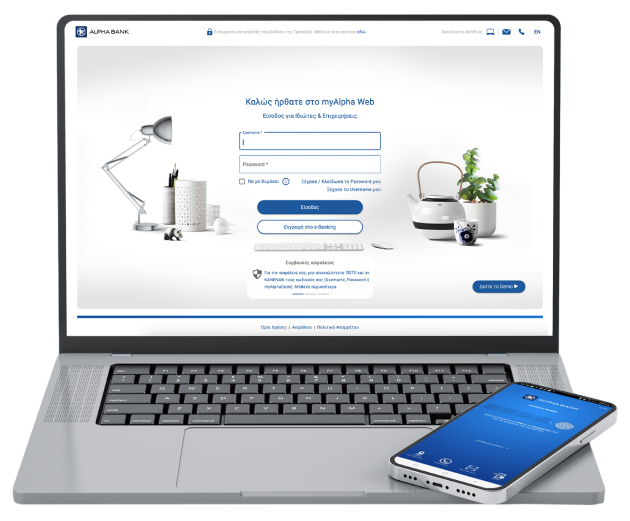
- Through your computer, using myAlpha Web
- At an Alpha Bank ATM using the PIN of your old card
If you get a new Enter Bonus Business Visa debit card, activate it using your personal e-Banking credentials from your mobile or computer.
- Notify companies about any standing orders
Give the number of your new Visa card to the companies where you had set up standing orders with your Mastercard (e.g. mobile phone companies, pay TV companies, insurance companies, subscriptions for websites, magazines, newspapers, etc.).
- Add it to your digital wallet
Add your new Visa debit card to the digital wallets: Apple Wallet, Google Wallet and Garmin Pay.
If you get a new Enter Bonus Business Visa debit card, add it to your digital wallet using your personal e-Banking credentials from your mobile or computer.
- Destroy your old Mastercard
When will my old Mastercard be deactivated?
Once you activate your new Visa card.
If you don’t activate it, the Mastercard will be cancelled in 2 months from the date stated in the letter that came with the card.