





Notify us by 30.11.2024:
- By email to ebankingsupport@alpha.gr
- Over the phone on +30 210 326 0000.



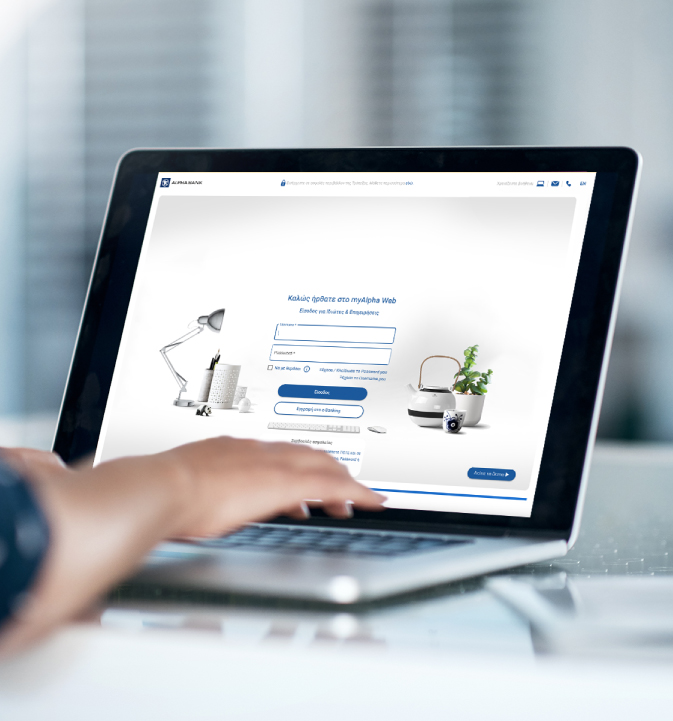
Open an Alpha Payroll Account from your mobile with myAlpha Mobile or your computer with myAlpha Web by 31.08.2024. To get the offer, your salary or pension must be deposited into the new account by 30.11.2024.
Earn 50,000 Bonus points into your Bonus card by 31.12.2024 and redeem them when you shop at over 4,000 business, in-store or online. If you don’t have a Bonus card, get one by 30.11.2024.

Get a gift voucher valued at €50 to shop in-store or online at Plaisio. You’ll receive the gift voucher through Viber or SMS by 31.12.2024.

Transfer your payroll, provided you are a civil servant, or your pension to your new account to make the most of the offer. As long as you had not received your salary or pension in another Alpha Bank account from 01.01.2024 to 30.06.2024.
Using your e-Banking credentials, log into myAlpha Web on your computer or myAlpha Mobile on your mobile phone.
On the menu, choose New products > Payroll/Pension account > Get the account.

Verify that your details are correct and choose “Continue”.
If any changes are required, update you details before you continue.
Go through the precontractual documents we sent to your email. On your mobile or computer screen, check the boxes next to the document titles, to confirm you have received, read and accept them.
Choose “Confirm”.

On myAlpha Web, fill in the 6-digit code you received on your mobile and click on “Continue”.
On myAlpha Mobile, confirm using your biometrics or your 4-digit PIN.
Choose “Continue”.

The Alpha Payroll account has been opened and the IBAN appears.
You can now:
Your new account will appear on your e-Banking automatically and you can start using it.

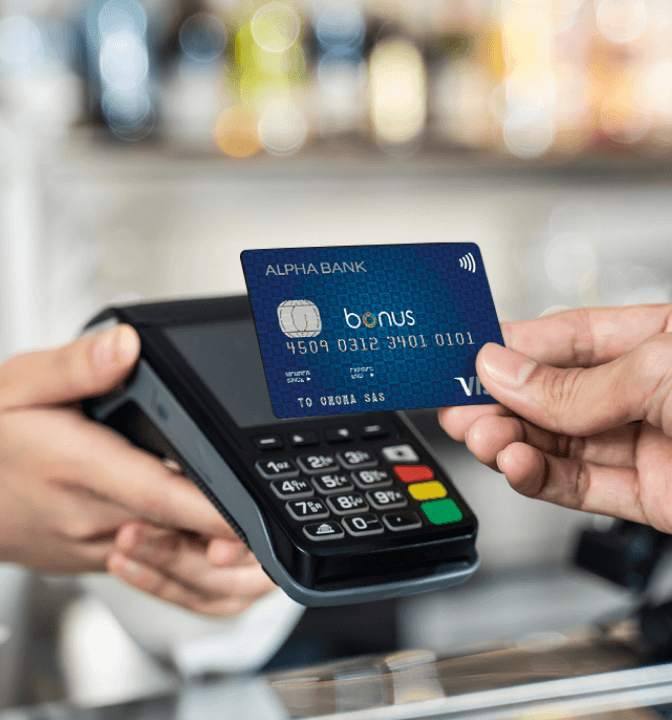
You pay no annual fee for the Alpha Bank Bonus Visa or Mastercard credit card you link to your account, and 2 additional cards. You also secure 1% off the interest rate for your shopping and interest-free instalments for bills, while you also get another 2,000 Bonus points.

With your payroll or pension account you get a discount on the premiums for hospitalisation plans and car insurance. You also get subsidised for investment plans.

Secure lower interest rate and a discount on the fees for the Alpha Metron Ariston personal loan and the Alpha Residence mortgage loan, to meet unexpected or scheduled expenses, when you receive your salary or pension at Alpha Bank.

Meet emergencies with an overdraft equal to the amount of one net monthly salary, when you receive your salary at Alpha Bank. You pay no interest for the first €200 and get lower interest rate for the remaining amount.





Notify us by 30.11.2024:
No, the offer is only valid for those of you who open a new Alpha Payroll Account online, as long as:
Yes.
Download and install the myAlpha Mobile app on your mobile, to start your banking relationship with Alpha Bank. Once you complete the process, you can easily open a payroll account for your salary or pension from your computer or mobile.